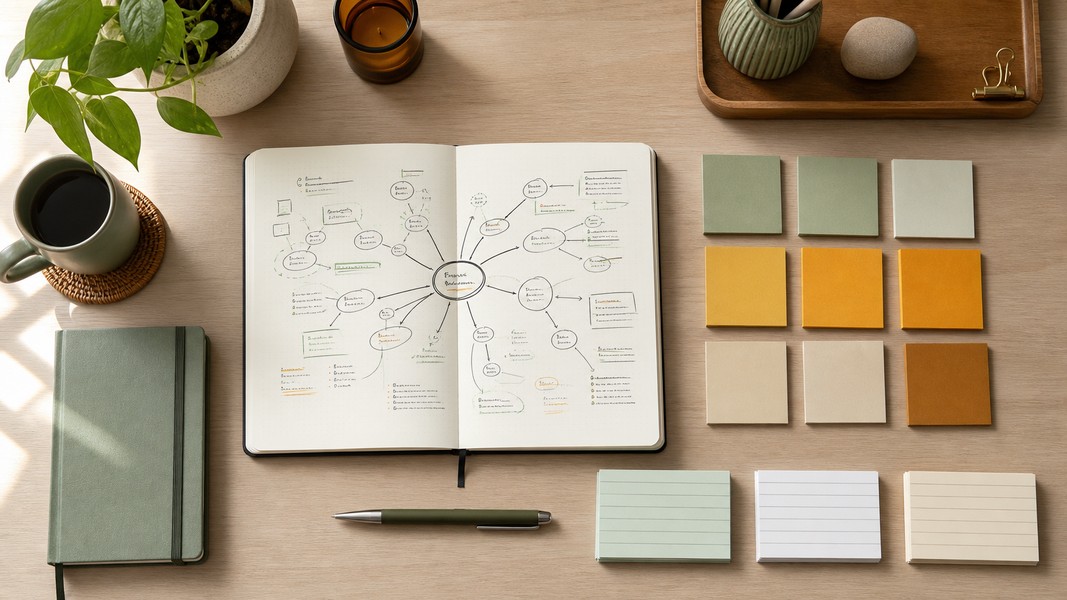
Building a Second Brain: 7 Techniques That Work
July 9, 2026
Build a second brain with these 7 proven techniques: capture ideas faster, organize with PARA, and use AI to retain and retrieve knowledge effortlessly.


April 11, 2026
An AI note-taking app does more than record what you say. It captures your input, runs it through a transcription engine, passes it to a language model, and returns structured, searchable, actionable content. Whether you're sitting in a lecture, running a client call, or working through a research paper, the best AI note-taking apps turn raw input into something you can actually use the same day.
But not all of them work the same way. The difference between a frustrating tool and one that genuinely changes how you work comes down to a handful of specific features. This post breaks down the technology behind AI note-taking, what separates good apps from mediocre ones, and what to look for when choosing one.
Every AI note-taking app follows the same core pipeline. Input comes in (audio, video, text, PDF, or image), gets converted into text using an automatic speech recognition engine, then passes through a large language model that identifies structure and meaning. The output is organized content: summaries, action items, flashcards, mind maps, or study guides, depending on the app.
This is fundamentally different from traditional note apps like Notion or Evernote. Those tools store what you put in, exactly as you put it in. An AI note-taking app interprets, organizes, and transforms it. You don't need to edit raw transcripts or manually highlight key points. The AI does that layer of work for you.
The range of inputs different apps accept varies widely. Some apps process only live audio recordings. Others handle pre-recorded files, PDFs, YouTube video links, and even photographed handwritten notes. The broader the input support, the more flexible the tool is across real-world study and work scenarios. An app that handles only audio will create friction whenever you need to work from a textbook chapter, a seminar slide deck, or a recorded video lecture.
Output variety matters just as much. A simple transcript with a summary paragraph is the baseline. The better tools generate structured outputs across multiple categories: tasks, events, reminders, locations, contacts, and general notes, each tagged and organized without manual work.
The transcription layer is where most AI note-taking apps live or die. Modern AI transcription uses speech recognition models trained on large audio datasets that convert spoken audio into text, followed by NLP refinement for punctuation, sentence boundaries, and context. Accuracy depends on several variables that are worth understanding before committing to a tool.
Background noise is the most common issue. Apps that run noise cancellation before the transcription step consistently perform better in lectures, busy offices, and outdoor environments. Accent diversity in the training data determines how well the engine handles different speakers, including non-native English speakers, regional accents, and code-switching between languages.
Technical vocabulary is where many tools struggle. Medical terminology, legal citations, engineering notation, and discipline-specific jargon trip up general-purpose models that haven't been trained on specialized corpora. If you're a medical student transcribing pharmacology lectures or a law student working through case discussions, this is worth testing specifically before choosing a tool.
Multi-language transcription adds another layer of variation. "Supports 40 languages" and "supports 100 languages" are not the same capability. Real-time transcription with automatic language detection across 40+ languages is meaningfully different from static language selection with inconsistent results on accented speech.
Speaker diarization is one of the most practically useful features in the space. It labels "who said what" in a multi-speaker recording, splitting the transcript into clearly attributed sections. For lecture recordings where a professor and students both speak, or for group meetings with several participants, speaker diarization turns a raw block of text into something readable without significant post-processing effort.
The comparison matters because many people still use traditional apps as their primary note system, then add an AI tool on top. The key distinction is this: traditional apps are containers, and AI note-taking apps are processors.
Notion is the clearest example of a container app with AI features bolted on. It can clean up rough notes and generate basic quizzes from documents, but you still need to paste content in, decide on structure, and maintain organization yourself. Evernote stores and syncs well, but interprets nothing. The processing layer is thin and manual.
Purpose-built AI note-taking apps are designed around the processing pipeline from the start. Transcription, summarization, and organization are the core product, not add-ons. For students whose primary input is audio lectures, or professionals whose notes come from a back-to-back meeting schedule, this design difference matters in daily use.
The trade-off is flexibility. Traditional apps let you build highly customized organizational systems. AI note-taking apps give you structure automatically, which is faster when it matches your workflow but less adaptable to specialized systems. Most users who switch to AI note-taking find they spend far less time organizing and more time reviewing and applying what they've captured.
Once you move past the basic transcription-to-summary pipeline, the tools diverge sharply. These are the features that produce the most noticeable differences in real use.
Multi-modal input support separates genuinely flexible tools from audio-only apps. Students work from recorded lectures, textbook PDFs, whiteboard photos, and YouTube explainer videos, often in the same study session. Professionals capture content from voice, email threads, document uploads, and meeting recordings. An app that handles all of these in one place removes the friction of switching between tools or manually copying content from one system to another.
Automatic action item extraction goes beyond summarization. A summary tells you what was discussed. A tool that extracts and categorizes tasks, reminders, scheduled events, and follow-up contacts gives you an actionable record. For professionals managing complex client work or anyone coming out of a dense lecture, the difference between a paragraph summary and a list of specific, categorized outputs is significant.
Study mode depth varies more than most roundup posts acknowledge. Generating a list of quiz questions from a transcript is easy; nearly every AI note app does this now. Spaced repetition, where the app schedules flashcard reviews at optimal intervals based on your recall history, is a different capability entirely. The underlying learning science behind this approach is well established: distributing review sessions over time produces stronger long-term retention than massed practice. Apps with genuine spaced repetition are meaningfully better for durable learning than those treating quiz generation as a one-time export.
Accessibility features are mostly absent from apps designed for average users. Apps built with ADHD and dyslexia users in mind offer structured outputs that reduce cognitive overhead, voice-first input that removes the writing barrier, and formatting specifically shown to improve readability for dyslexic readers. Voice Memos includes a dyslexic-friendly formatting mode that restructures any captured content, a feature none of the mainstream competitors offer. For students who struggle with dense text formats, this is a genuine differentiator, not a checkbox.
Platform availability determines whether the tool works for your actual setup. Mobile-only apps create real constraints for students who move between a phone during lectures and a laptop for studying. Full web access, real-time sync, and consistent functionality across iOS, Android, and browser are baseline requirements for any tool used as a primary system.
For a comparison of how these features map to professional use cases specifically, the guide to AI note takers for professionals covers the leading tools in detail.
The right choice depends on what you're capturing and what you need from the output.
For meetings-focused use, Otter.ai and Fathom are among the most established options. Both join calls automatically, generate summaries, and flag action items. Fathom focuses on recording with playback timestamps; Otter.ai has broader search functionality across past meeting archives. Fireflies.ai adds CRM integration and is common in sales and account management teams. These tools are built around the meeting use case and do it well. For an in-depth look at how AI handles meeting notes, the AI meeting notes breakdown covers how the technology works across these platforms.
For student use, the landscape is different. Coconote, which was acquired by Quizlet, focuses on lecture-to-study-material conversion: it records audio, transcribes it, and generates quizzes, flashcards, and study guides. It's mobile-first and aimed primarily at the academic market. Turbo AI covers similar ground with visual learning aids added; it also accepts PDFs and YouTube as inputs alongside audio. Both are solid for students whose note-taking needs are mostly audio-based.
Voice Memos is built around a wider input model: voice recordings, PDFs, images, YouTube links, and text all feed into the same processing pipeline. Study mode output includes interactive quizzes, spaced repetition flashcards, deep research expansion, and mind maps. On the professional side, it automatically extracts and categorizes tasks, events, reminders, contacts, and locations from any input type. The multi-modal approach means you're not locked into a single capture method depending on what source material you're working with.
The most important factor when choosing is whether the app's input model matches how you actually capture content day-to-day. If your notes come almost entirely from audio lectures, any of the tools above will cover the basics. If you work across audio, PDFs, YouTube, and handwritten notes, you need an app designed for that from the ground up.
AI note-taking apps vary more than their marketing suggests. The differences that matter most in practice are how well the transcription engine handles your specific conditions, which input formats are accepted, what the app does after transcription, and whether it works seamlessly across your devices. Test any tool against your actual workflow before committing, not just the demo scenarios. The right app is the one that reduces friction in how you already capture and use information.
Discover more insights and tips to enhance your productivity
Build a second brain with these 7 proven techniques: capture ideas faster, organize with PARA, and use AI to retain and retrieve knowledge effortlessly.
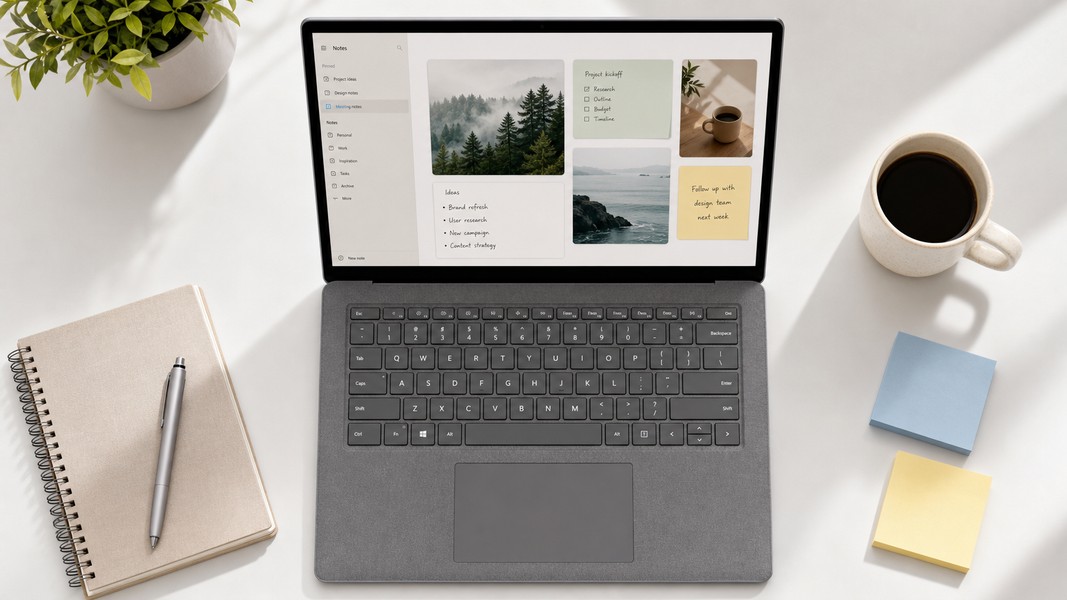
A hands-on roundup of the best note-taking apps for Windows, covering AI features, free plans, and the right pick for students and professionals.

Discover the most effective study techniques and methods backed by cognitive science. Learn active recall, spaced repetition, mind mapping, and more.